Not a spreadsheet. A system of record.
Typed fields, formulas and relations that actually hold — plus AI columns that research and score every row, and a view for whatever question you are asking today.
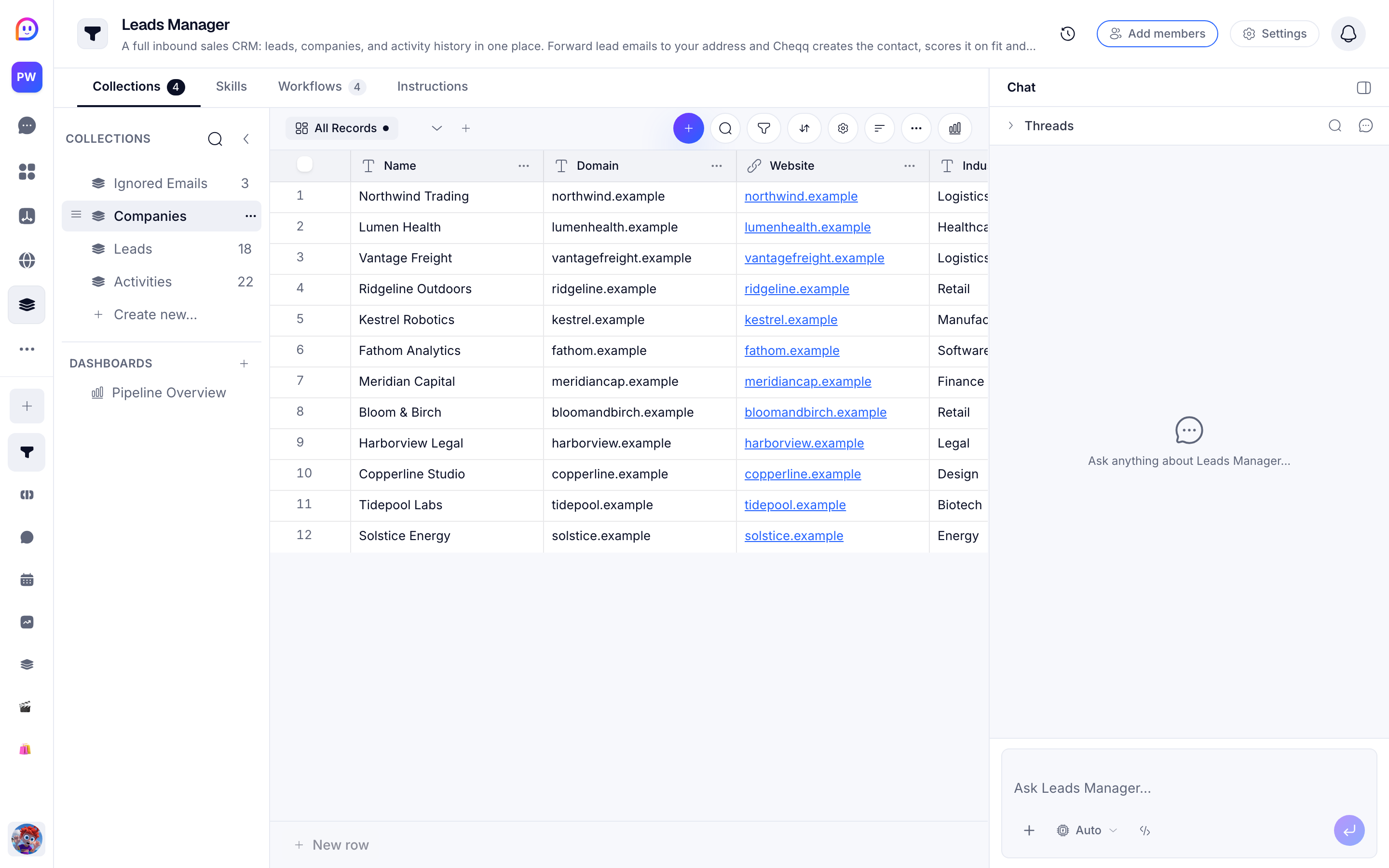
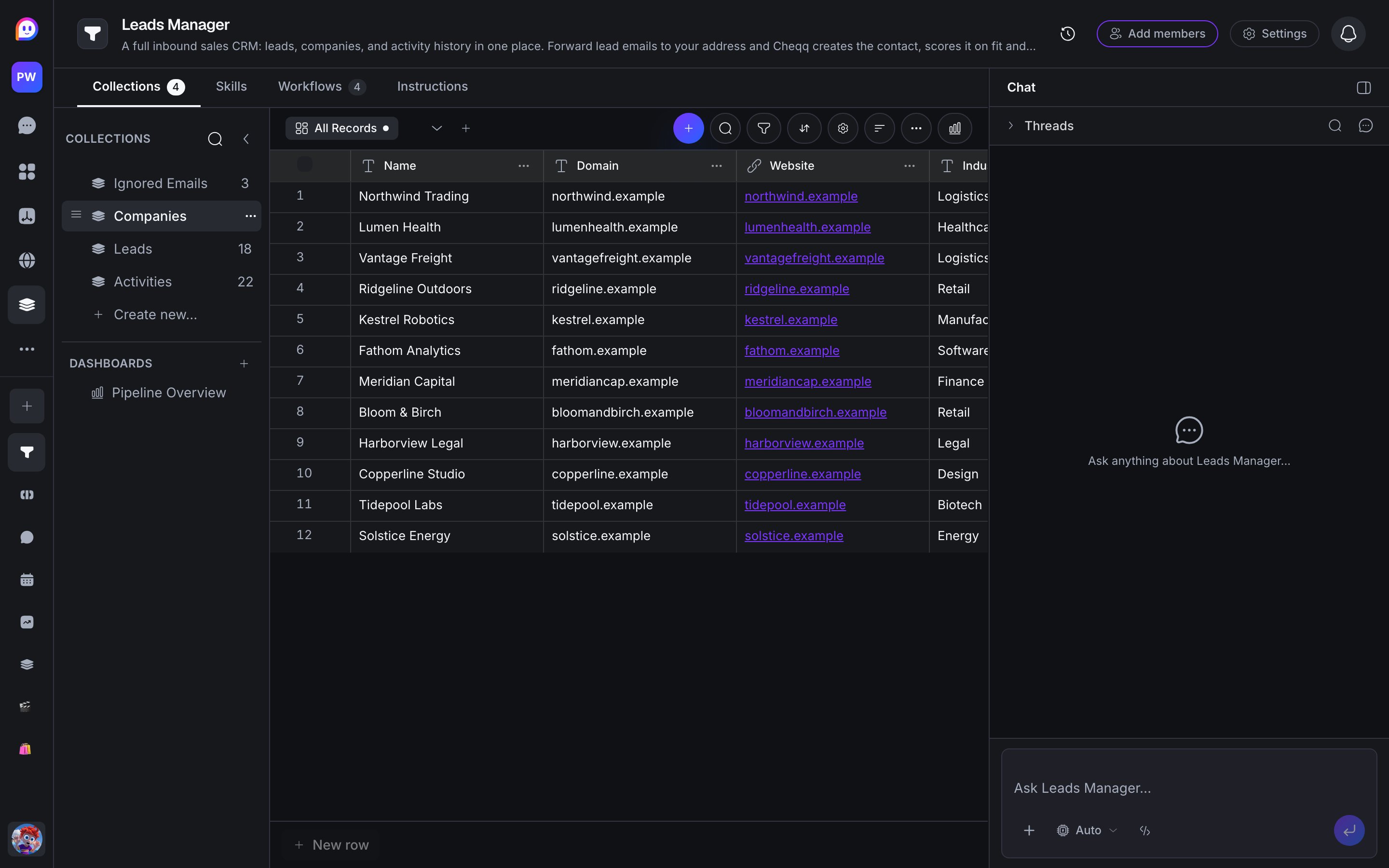
- 25 field types
- currency to AI columns
- 8 views of one table
- calendar and forms included
- Research, done in bulk
- hundreds of rows at once
- Every change undoable
- shared history and Trash
Describe the data. The base builds itself.
You never design a schema by hand. Say what you track and Cheqq models the collections — then keeps reshaping them as your work changes: add a priority, split a name, link deals to contacts. No migrations, no field editor marathons.
- New fields arrive with the views and automations that use them, in one change
- Rename anything freely — views, filters, and automations follow, nothing breaks
- Import a spreadsheet and describe what the columns mean; it comes out modelled
- When something's wrong, say so — the agent repairs structure the same way it built it
An AI column that owns its own data.
Point a Field Agent at a column and it fills every row — reading the record, searching the web when it needs to, and writing back a typed value. Not a chat window you copy answers out of: a column that stays current.
- Typed output: text, single or multi select, number, percent, currency, image, or video
- Deep Match links records to other records using embeddings, not string matching
- Cites its web sources, so you can check any cell it filled
- Quotes the cost before a bulk run, and never overwrites a value you edited by hand
| Company | Region | MRR | Renewal | Health |
|---|---|---|---|---|
| Northwind Logistics | EMEA | $4,820 | Mar 14 | Healthy |
| Bright Harbor Studio | NA | $1,240 | Apr 02 | Healthy |
| Meridian Health | NA | $9,600 | Feb 28 | At risk |
| Coastal Roasters | EMEA | $720 | May 19 | Healthy |
| Lanternworks | APAC | $2,150 | Mar 30 | Watch |
Structure, not spreadsheets.
Around 25 field types that mean what they say — currency stays currency, a member is a person, an attachment opens right in the app. Computed columns and two-way relations keep the connected records honest without you re-entering anything.
- Selects with colors, members, attachments with in-app preview, checkboxes, dates, URLs
- Formulas, lookups and rollups computed from related records
- Two-way relations that keep both sides in step automatically
- CSV and JSON import that validates every row before any of it lands — no half-imported tables
The same data, shaped for the question.
Table for editing, kanban for pipelines, calendar for what happens next, forms for collecting. Dashboards then compose tiles across several collections at once.
- Table, kanban, calendar, list, detail, form, stats, and dashboard views
- Kanban with grouping, swimlanes, WIP limits and cover images
- Filters, sorting, grouping, quick find, and row heights — saved per view, so every slice keeps its shape
- Dashboards that combine chart, table and timeline tiles from multiple collections
Deadlines you can drag.
Any collection with a date becomes a calendar — month, week, or day. Drag a record to reschedule it, stretch its edge to give it more time, and pull unscheduled work onto the day it should happen.
- Plot up to 20 date fields as separate color-coded series on one calendar
- An Unscheduled panel for everything without a date yet — drag on to schedule, drag off to clear
- Timed or all-day, converted with a drag; week and day views snap to the half hour
- Share a read-only feed that Google Calendar, Apple Calendar, and Outlook subscribe to
Everyone in the same table. Nothing lost.
Edits land live in every open view, so two people never work from different copies. And every committed change — human or AI — joins one shared history you can walk back through.
- Undo and redo work across the whole team's changes, not just your own
- Compare any two versions and see exactly which records and fields changed
- Deleted collections and records wait in Trash instead of vanishing
- Name a snapshot before a risky change and it stays pinned until you delete it
Built for data you rely on
Every cell has a history
Field Agent runs are recorded per cell, so you can see what produced a value and restore an earlier one.
Your edits win
A value you typed is protected: automatic runs skip human-edited cells unless you tell them otherwise.
Costs quoted up front
Bulk runs show the estimated credit cost before they start, and can be cancelled or retried per row.
Reacts to change
A collection-change trigger can fire a workflow when a field you care about actually changes value.
Questions about data
I'm coming from Airtable — what's actually different?
The work around your records runs itself. AI columns research and score rows with sources you can check, automations carry real logic — branching, loops, approvals — and the same records become published apps, generated decks, and reports. The views you'd pay Airtable extra for, like a full calendar with date ranges and multiple date fields, are simply included. Export your base to CSV, describe the columns, and you're moved in minutes.
How is this different from a spreadsheet with an AI formula?
A Field Agent is scoped to a column and understands the whole record, not one cell's inputs. It can search the web, cite what it found, emit a typed value the rest of the system can filter and group on, and keep a per-cell run history you can restore from.
Can I import what I already have?
Yes. CSV and JSON import map your columns onto collection fields and validate every row before anything lands, and export gets your data back out at any time. Nothing you put in is locked in.
What happens when someone deletes the wrong thing?
Deleted collections and records wait in Trash — 7 days free, 30 on paid plans — and every committed change is in shared history, so you can undo it, compare versions to see exactly what changed, or restore an earlier state without losing anything that came after.
Does the AI run on every row, every time?
Only when you ask it to. Field Agents run manually or on a trigger you choose, they skip cells you have edited by hand, and a bulk run quotes its cost before it starts.
Works with the rest of the workspace
Start with a table
Install a template or describe the data you keep, and Cheqq models it for you. Free to start, no credit card.
Start free